Create a project
Go to the Projects tab on the left-hand side of the dashboard and click + New Project (top right). Then specify a project name and type (e.g. single particle analysis or X-ray crystallography). The Targets field is a useful project differentiator and can be populated with any tag you like - For example, protein family, protein or ligand
Project overview
In the table listing all projects, click on the project name to open it. You will see a 2D project grid with different job categories. All jobs that you create and run will be presented here.
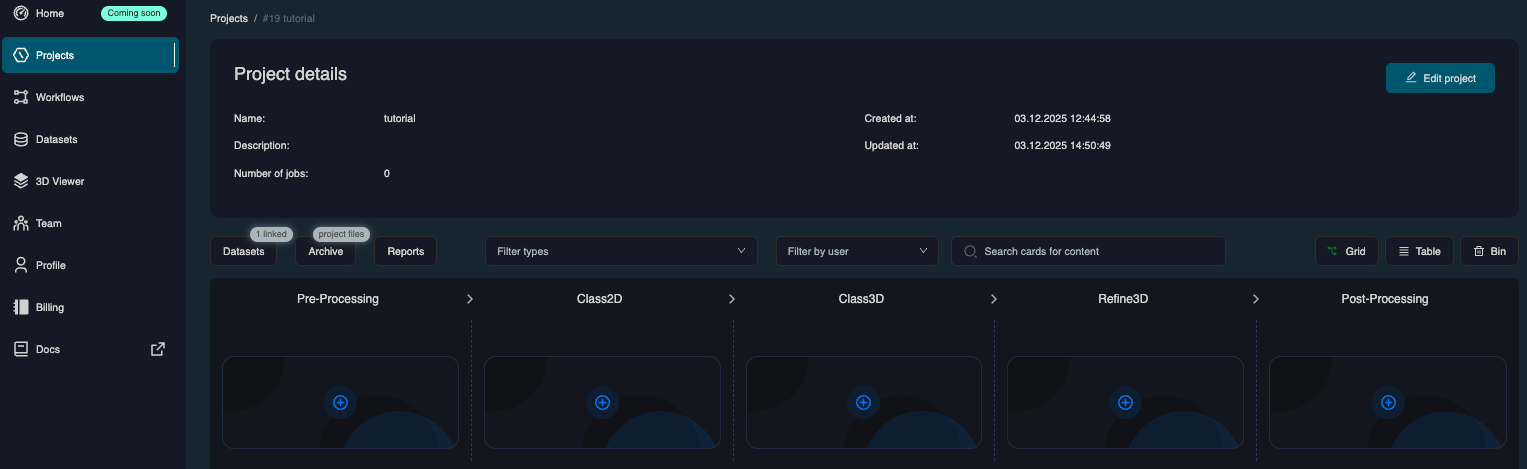
Linking a Dataset
Before you can start your first job, you need to link a dataset. Click on Link Dataset, and select one of your Datasets from the dropdown. You can also add multiple datasets to one project. Once you have linked a dataset, you are ready to setup a job - See the Run jobs page for more information.
To be able to select your datasets, they must be finalized and shown as active in the dataset tab, see Upload a dataset.